Through my professional career, I was tasked to start support our client on Linux since our competitor started supporting theirs on Linux. I started developing our C# daemon service that acted as a client loader (it periodically talks to the enterprise to see if there are any packages scheduled to be deployed/downloaded and transferred to target client – Linux platform). it runs at startup in the background, and it is in fact a WCF where its front-end client is an embedded browser Chromium Embedded Framework (CEF) running Html/Css/Js etc for the UI and it interacts to this client loader C# daemon (wcf) through its service contract. I really love this project since I started its development from scratch and I learned a lots about Linux. I learned about firewalld (we locked down lots of ports by default for security), Linux securities (proxy, sudoers etc..), learn how to launch UI application since our Linux Image does not have desktop, bash script (for automation rpm build and within rpm itself), systemd (for daemon service related), bash script for automation, learned how to build rpm since we need to bundle its related files (dependencies dlls, noted we use mono so I have to bundle mono with it as well) as an rpm which can then be easily preinstalled on our Linux Hardware image by our hardware team, which we periodically release internally with our hardware team (yes we sell our enterprise application with our discounted Hardware devices e.g end user only has to pay $1 for the device as long as they buy our software contract). I also automated its rpm build nightly using Jenkin hudson where the Hudson jenkins agent running in Windows would execute its job per schedule in Hudson job configuration and I used it to execute some automation win32 batch scripts where it does automated things like Msbuild our .sln and then copied the related output files passwordless via ssh using private/public key to our Linux build machine where its designated bash script would then be executed for the rpm build. I wrote both the windows batch script and also Linux bash script for the automation of our daemon rpm nightly build so I can share the output rpm internally between hardware team and qa team to test it.
Also, when we started our development, we tried it with Ubuntu, later Centos, then Oracle Linux. And Oracle Linux is quite similiar to Centos because both are the Rebuilds of Red Hat Enterprise Linux (RHEL)
Our client is now running on Linux using .Net Core and now .Net 8
Note:
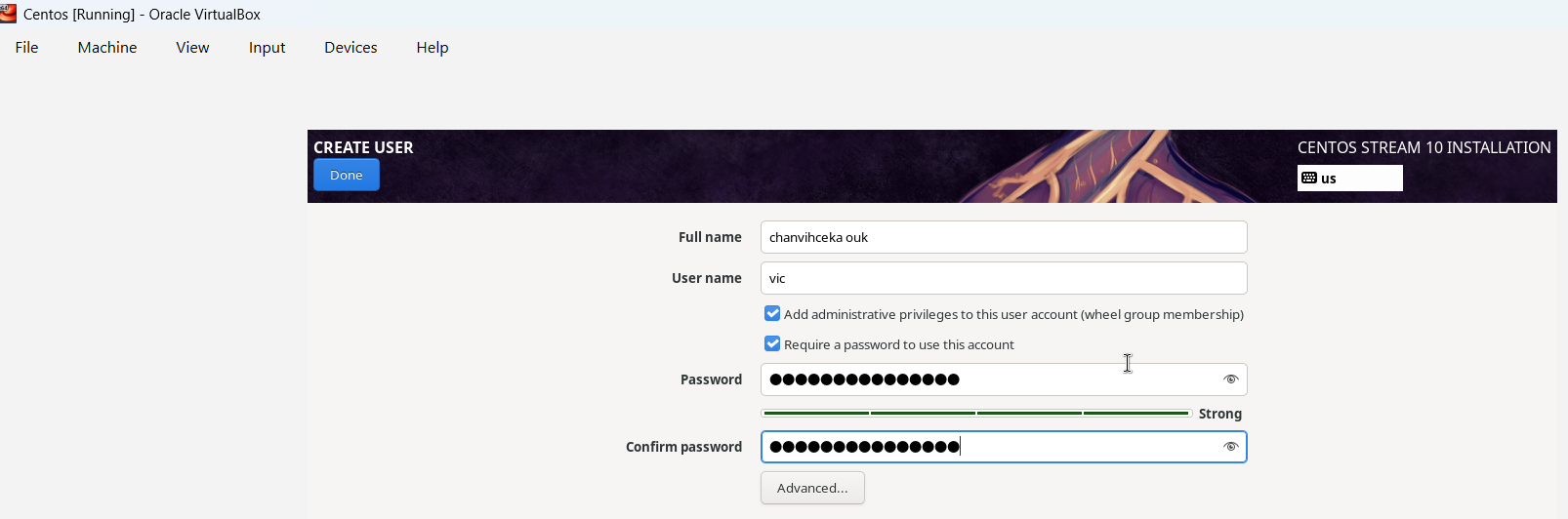
I just noticed that I wrote my full name wrong urgh.
Using latest VirtualBox Downloads – Oracle VirtualBox with latest Centos image Download – The CentOS Project
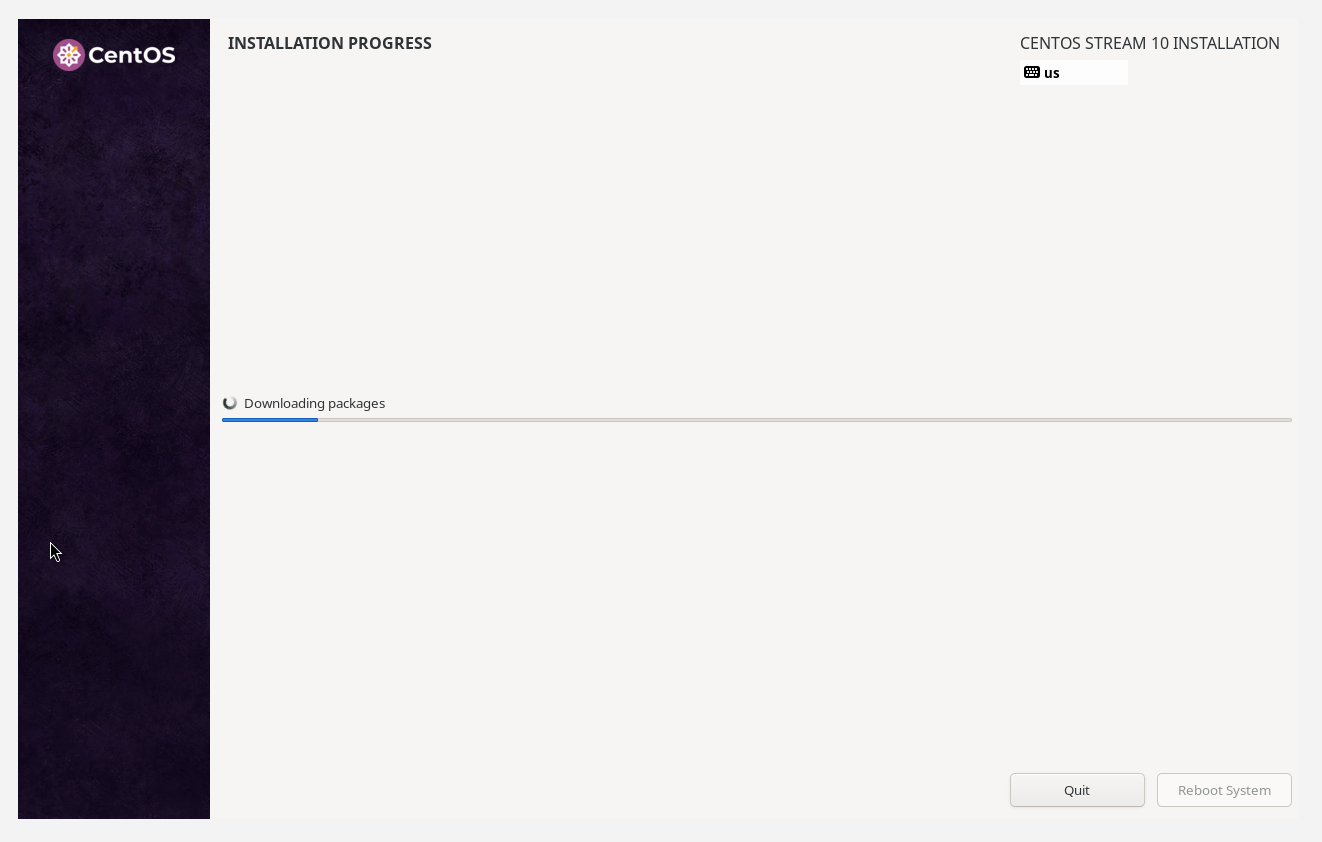
Latest Centos is still looking cool. Actually I do like it more than Ubuntu.
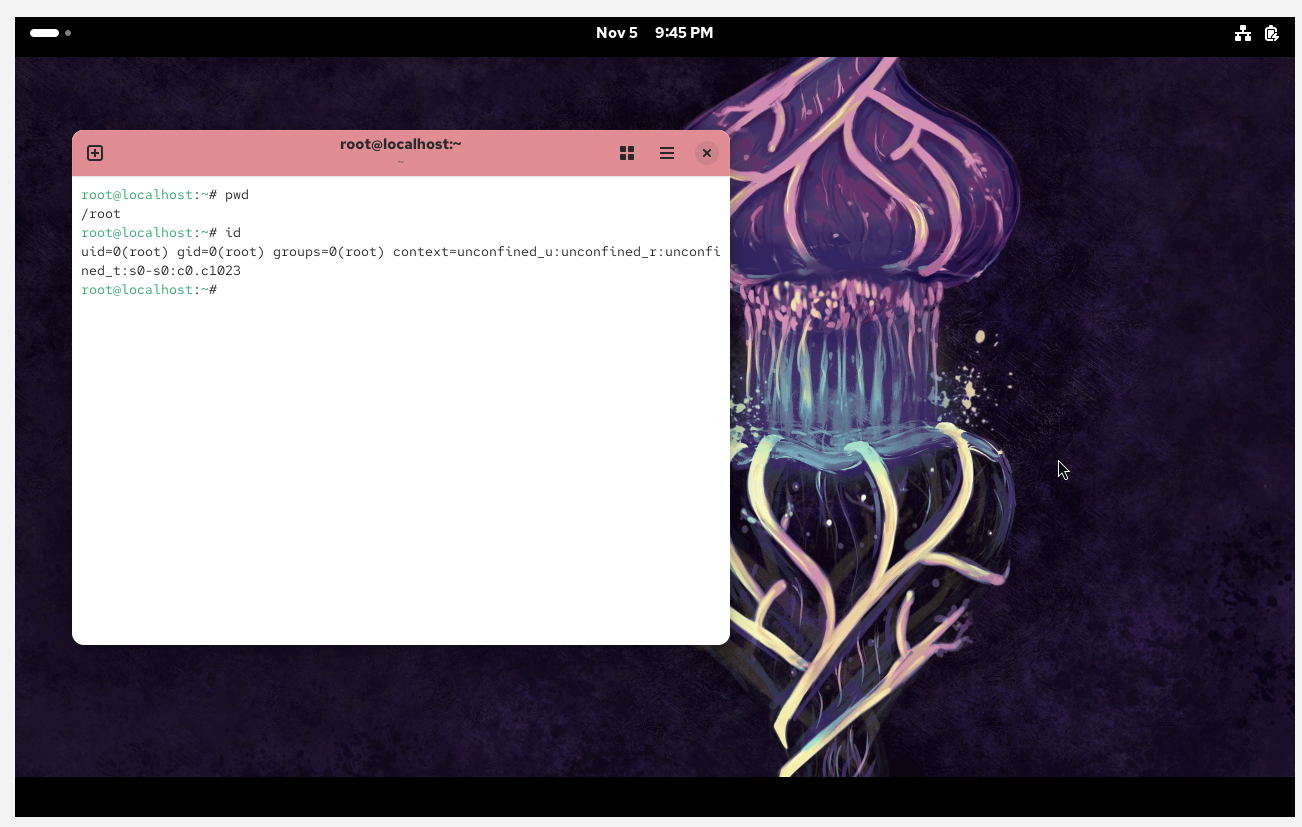
I will install C++ on this Linux VM e.g gcc/g++/cmake etc.. for my own project 🙂