Mocking Unit Test with Catch2 regarding Pub/Sub client and message broker (nats-server) using protobuf cross-platform data format

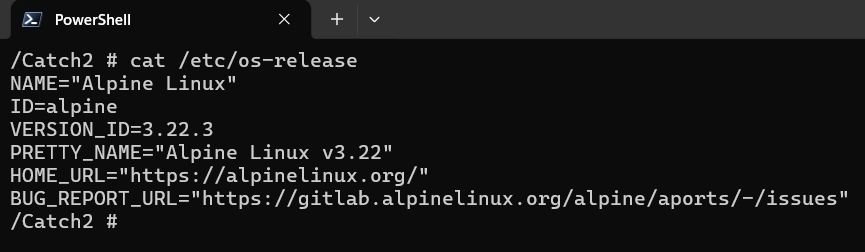
I have wrote them and posted to my GitHub repos from the official Alpine docker image

testing_nats_msg_broker_pub_sub_client_with_protobuf_alpine/README.md at main ¡ chanvichekaouk/testing_nats_msg_broker_pub_sub_client_with_protobuf_alpine

🧪 Mock Publisher–Broker–Subscriber Unit Test (Catch2 v3 + Protobuf + Alpine) This project demonstrates a mock unit‑test workflow between:

a Publisher client

a NATS message broker

a Subscriber client

using a cross‑platform Protobuf data format, tested with the Catch2 v3 framework and built on the official Alpine Linux image.

The goal is to validate message flow, multi‑subscriber behavior, and protobuf serialization/deserialization in a lightweight, reproducible environment.

🛠️ Compiling Tests Manually (g++) You can compile the test suite directly from the terminal:

g++ -Iinclude tests/*.cpp -o test_runners \
    -I/usr/local/include -L/usr/local/lib \
    -lCatch2Main -lCatch2

Run all tests under a tag:

./test_runners "[tag]"

Run only a specific section under a tag:

./test_runners "[tag]" -c "section_name"

Example:

Run all sections under the tag:

./test_runners "[multi_sub_receive_msg]"

Run only a specific section:

./test_runners "[multi_sub_receive_msg]" -c "Client connects successfully"

Another example:

./test_runners "[multi_sub_receive_msg]" -c "Multiple subscribers receive the same published message"

Screenshots 

image

📦Using Protobuf Data Format

Example .proto schema:

syntax = "proto3";

message Telemetry {
    int32 id = 1;
    int32 temp = 2;
}

🐧 Alpine vs glibc: Why Linking Protobuf Is Harder on Alpine On most Linux distributions that use glibc, linking Protobuf with Abseil is simple. But Alpine uses musl, and Abseil depends on glibc‑specific internals such as futex.

Because musl does not provide these interfaces, Alpine maintainers must:

  • patch Abseil heavily
  • disable unsupported features
  • split Abseil into ~130 micro‑libraries

Starting with Protobuf 4.x, Abseil became a mandatory dependency, which makes linking more complex on Alpine.

On glibc‑based systems (Ubuntu, Debian, Fedora) You can link with just a few Abseil libraries:

-labsl -labsl_strings -labsl_log

On Alpine (musl) You must explicitly link the micro‑libraries required by your generated Protobuf code:

-lprotobuf -lprotobuf-lite
-labsl_base -labsl_strings
-labsl_raw_logging_internal
-labsl_log_internal_check_op
-labsl_log_internal_message
-labsl_log_internal_nullguard

Example:

g++ -Iinclude -Iproto \
proto/*.cc tests/*.cpp \
-o test_runners \
-lprotobuf -lprotobuf-lite \
-labsl_base -labsl_strings \
-labsl_raw_logging_internal \
-labsl_log_internal_check_op \
-labsl_log_internal_message \
-labsl_log_internal_nullguard \
-lCatch2Main -lCatch2
image

Getting Catch2 v3 to work in alpine docker image

I have tried it today and so far Catch2 v2 works either using package installer or through dropping its header file or compiling its library from its github source code.

But for Catch2 v3, it also works but to compile our binary, we have to either use library Catch2Main to autogenerate main or create our own main code because alpine with Catch2 v3 does not work with auto-generation of main using #define CATCH_CONFIG_MAIN flag

test_main.cpp (alpine with catch2 does not work with this kind of auto-generated main flag)

#define CATCH_CONFIG_MAIN
#include <catch2/catch_all.hpp>

main.cpp (works since we defined our own main)

#include <catch2/catch_session.hpp>

int main(int argc, char* argv[]) {
Catch::Session session;
return session.run(argc, argv);
}

Or also work with Library mode with Catch2main to auto generate main

✅ this works since we use Catch2Main library

g++ test_math.cpp -o test -I/usr/local/include -L/usr/local/lib -lCatch2Main -lCatch2 

❌ this does not work as I have verified that #define CATCH_CONFIG_MAIN flag is not working

g++ test_main.cpp test_math.cpp -o test -I/usr/local/include

✅this works since we wrote our own main

g++ main.cpp test_math.cpp -o test -I/usr/local/include -lCatch2

C++ interface (pure abstract class) && C# interface

1- C# Interface

public interface IShape
{
double Area();
double Perimeter();
}

2- C# Implementation (Rectangle)

public class Rectangle : IShape
{
private readonly double width;
private readonly double height;

public Rectangle(double width, double height)
{
this.width = width;
this.height = height;
}

public double Area() => width * height;

public double Perimeter() => 2 * (width + height);
}

3- Using the C# interface

IShape shape = new Rectangle(3.0, 4.0);
Console.WriteLine($"Area: {shape.Area()}");
Console.WriteLine($"Perimeter: {shape.Perimeter()}");

A- C++ Interface (pure abstract class)

class IShape {
public:
virtual ~IShape() = default;
virtual double area() const = 0;
virtual double perimeter() const = 0;
};

B- C++ Implementation of the Interface

class Rectangle : public IShape {
public:
Rectangle(double width, double height)
: w_(width), h_(height) {}

double area() const override {
return w_ * h_;
}

double perimeter() const override {
return 2 * (w_ + h_);
}

private:
double w_;
double h_;
};

C- Using the Interface in C++

#include <iostream>
#include <memory>

int main() {
std::unique_ptr<IShape> shape = std::make_unique<Rectangle>(3.0, 4.0);

std::cout << "Area: " << shape->area() << "\n";
std::cout << "Perimeter: " << shape->perimeter() << "\n";
}

Checking Latest Centos Linux Distribution

Through my professional career, I was tasked to start support our client on Linux since our competitor started supporting theirs on Linux. I started developing our C# daemon service that acted as a client loader (it periodically talks to the enterprise to see if there are any packages scheduled to be deployed/downloaded and transferred to target client – Linux platform). it runs at startup in the background, and it is in fact a WCF where its front-end client is an embedded browser Chromium Embedded Framework (CEF) running Html/Css/Js etc for the UI and it interacts to this client loader C# daemon (wcf) through its service contract. I really love this project since I started its development from scratch and I learned a lots about Linux. I learned about firewalld (we locked down lots of ports by default for security), Linux securities (proxy, sudoers etc..), learn how to launch UI application since our Linux Image does not have desktop, bash script (for automation rpm build and within rpm itself), systemd (for daemon service related), bash script for automation, learned how to build rpm since we need to bundle its related files (dependencies dlls, noted we use mono so I have to bundle mono with it as well) as an rpm which can then be easily preinstalled on our Linux Hardware image by our hardware team, which we periodically release internally with our hardware team (yes we sell our enterprise application with our discounted Hardware devices e.g end user only has to pay $1 for the device as long as they buy our software contract). I also automated its rpm build nightly using Jenkin hudson where the Hudson jenkins agent running in Windows would execute its job per schedule in Hudson job configuration and I used it to execute some automation win32 batch scripts where it does automated things like Msbuild our .sln and then copied the related output files passwordless via ssh using private/public key to our Linux build machine where its designated bash script would then be executed for the rpm build. I wrote both the windows batch script and also Linux bash script for the automation of our daemon rpm nightly build so I can share the output rpm internally between hardware team and qa team to test it.

Also, when we started our development, we tried it with Ubuntu, later Centos, then Oracle Linux. And Oracle Linux is quite similiar to Centos because both are the Rebuilds of Red Hat Enterprise Linux (RHEL)

Our client is now running on Linux using .Net Core and now .Net 8

Note:

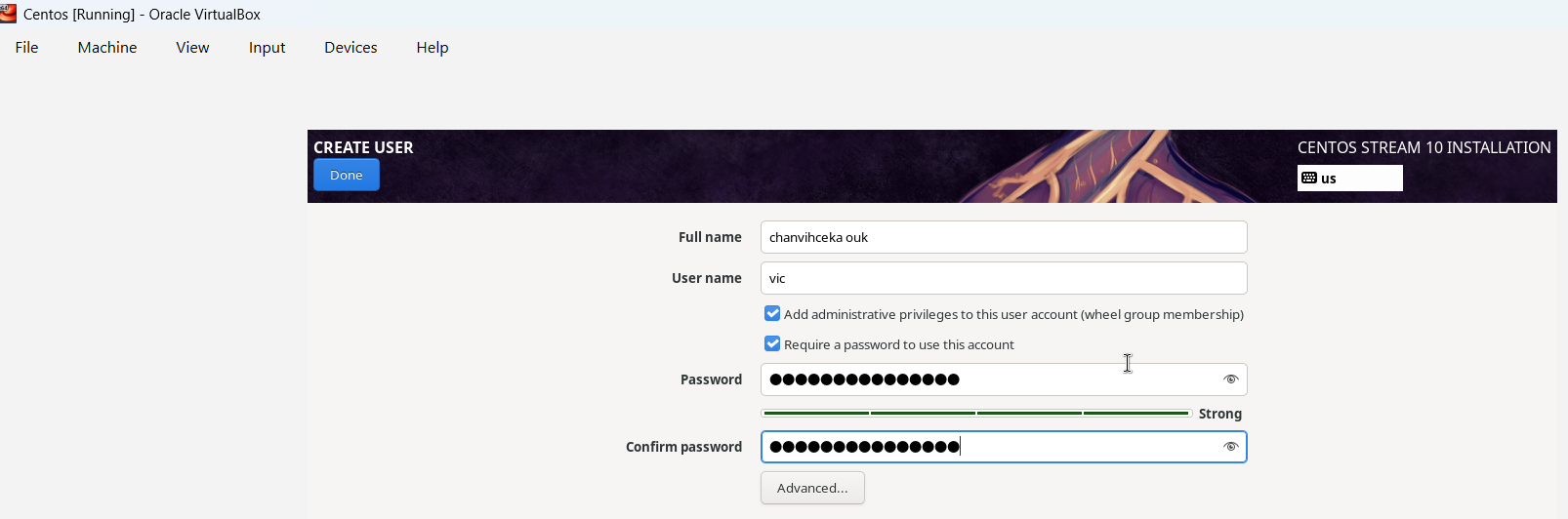
I just noticed that I wrote my full name wrong urgh.

Using latest VirtualBox Downloads – Oracle VirtualBox with latest Centos image Download – The CentOS Project

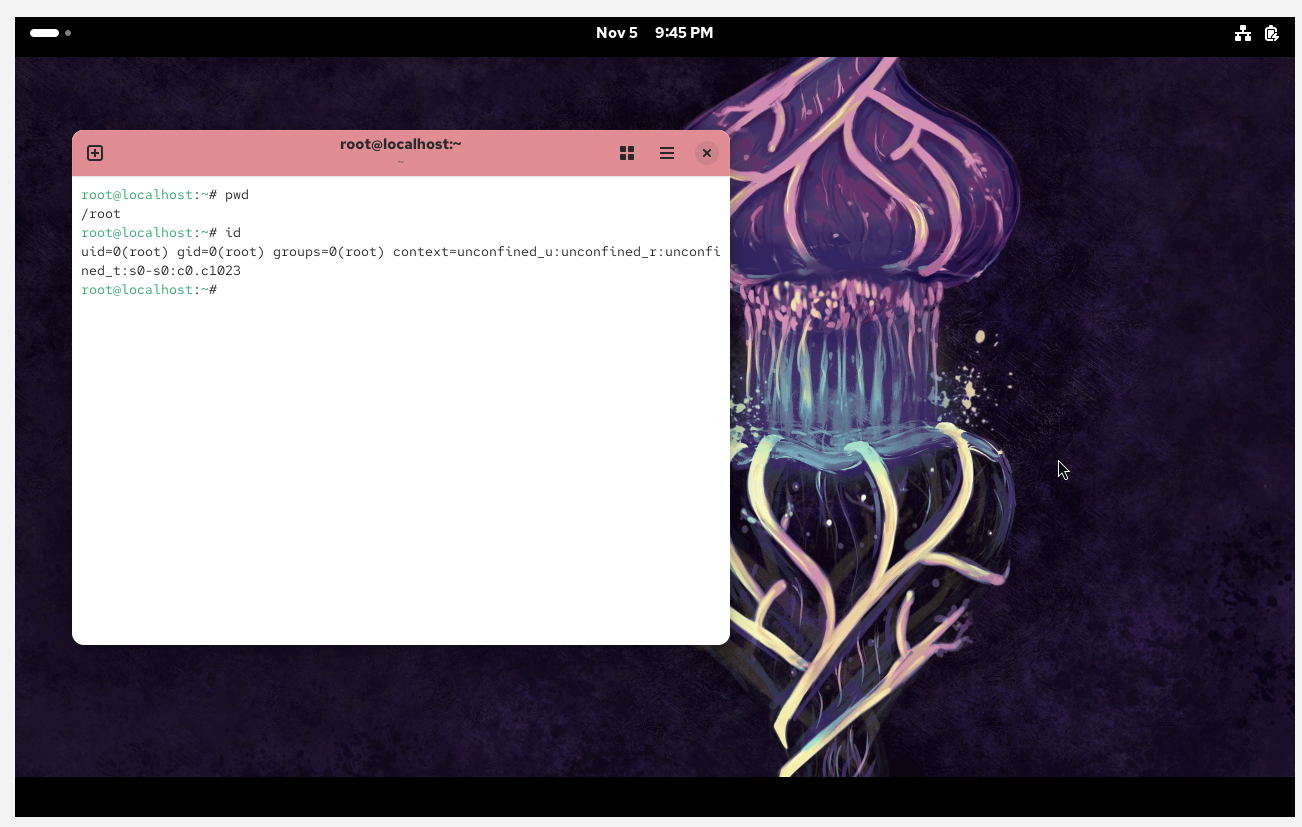
Latest Centos is still looking cool. Actually I do like it more than Ubuntu.

I will install C++ on this Linux VM e.g gcc/g++/cmake etc.. for my own project 🙂