🟩 git pull --rebase
This is the modern, clean, recommended workflow for most developers.
What it does
- Fetches the latest remote commits
- Replays your local commits on top of the updated branch
- Produces a linear, easy‑to‑read history
- Avoids unnecessary merge commits
Visual example
Before rebase:

After:

Your commits are rewritten to sit on top.
When to use it
- Solo development
- Feature branches
- Clean, audit‑friendly history
- Government‑grade or enterprise workflows
- When you want to avoid messy merge commits
Why pros prefer it
- History stays linear
git logis readable- CI/CD pipelines behave more predictably
- Easier code reviews
🟦 git pull --no-rebase (default merge behavior)
This performs a merge instead of a rebase.
What it does
- Fetches remote commits
- Creates a merge commit combining remote + local work
Visual example
Before:

After:

Where M is a merge commit between C head from remote and E head from your commit so M was a merged result of C & D, E.
When to use it
- Shared branches with many contributors
- When rewriting history is not allowed
- When you want to preserve the exact order of events
- When your team explicitly requires merge commits
Downsides
- History becomes noisy
- Merge commits pile up
- Harder to read
- Harder to bisect
How to check if your local git is default –no-rebase or configured to –rebase
git config list
user.name= my name
user.email=my.name@gmail.com
pull.rebase=true
core.repositoryformatversion=0
core.filemode=true
core.bare=false
core.logallrefupdates=true
remote.origin.url=git@github.com:chanvichekaouk/catch2-hpp-unit-test.git
remote.origin.fetch=+refs/heads/:refs/remotes/origin/
branch.main.remote=origin
branch.main.merge=refs/heads/main
branch.main.vscode-merge-base=origin/main
or retreive value of specific config:
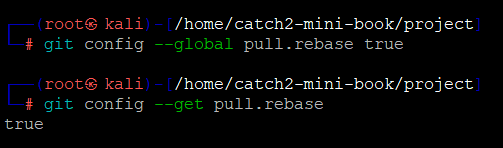
git config --get pull.rebase
if it shows true then yes it is configured to –rebase.
show empty or false then yes it is default to –no-rebase
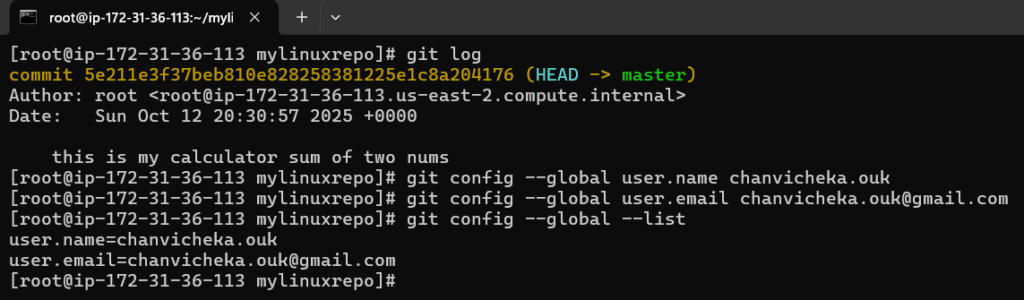
How to set it to –rebase by default
For all repositories:
git config --global pull.rebase true
For just this repo:
git config pull.rebase true
e.g here initially my local git is set to default –no-rebase so you can see the deviation of the line as it is a merge btw remote head and my local commit since then I have configured global to –rebase so my history log will be a linear line which as pointed out would be easy to read.
git log --oneline --graph --decorate --all
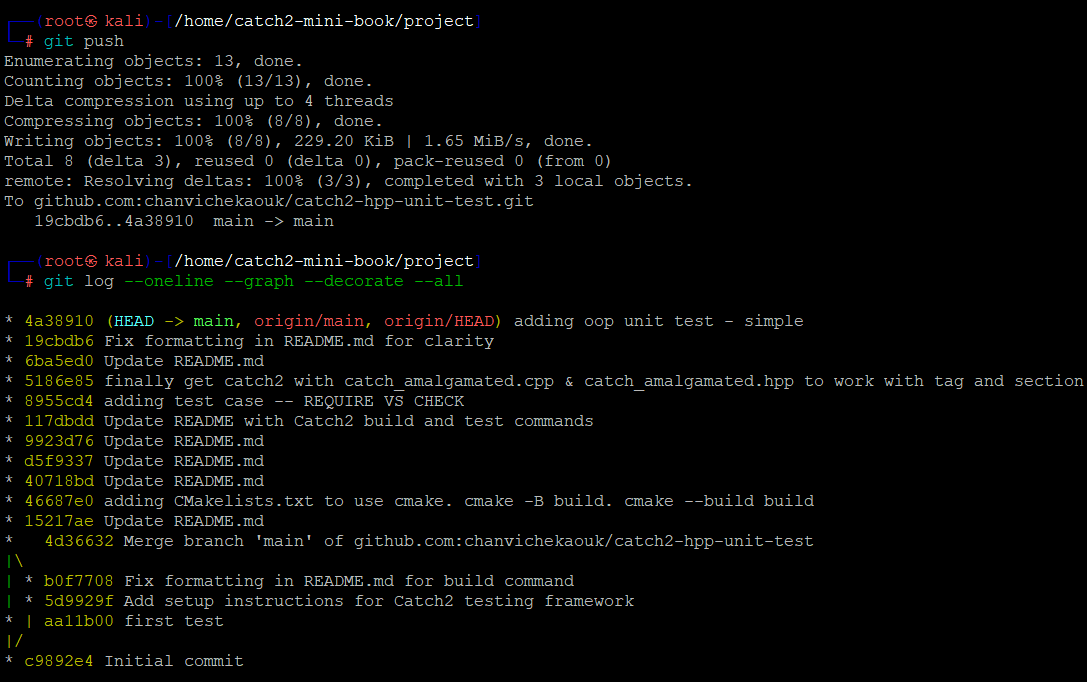
(From my local personal laptop & git hub repo: chanvichekaouk/catch2-hpp-unit-test)